Making this app just a little prettier

So look, this tool started as a throwaway demo for my open source upscaler SDK, I never spent much time on the UX to make it look pretty, and most of my time in the past few months as just been focused on optimizing for usability: fixing bugs, improving performance etc…
The said, it does look a bit like a government website
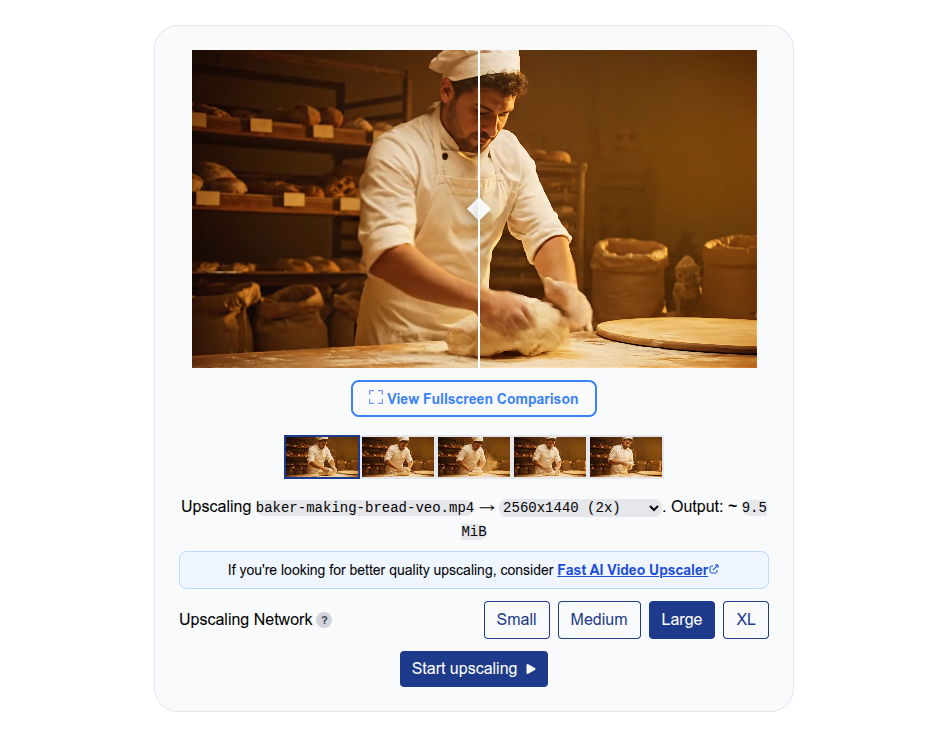
I initally resisted trying to make the UI too pretty because adding CSS and animations actually negatively impacts user metrics especially on older devices, and with around 450k users from around the world using this tool every month, this needs to run efficiently on even very slow devices.
That said, at 450k+ users per month, we could afford to make it look a bit nicer, so I’ve got some help from someone with more design experience and coding LLMs to make the UI/UX just a little cleaner.
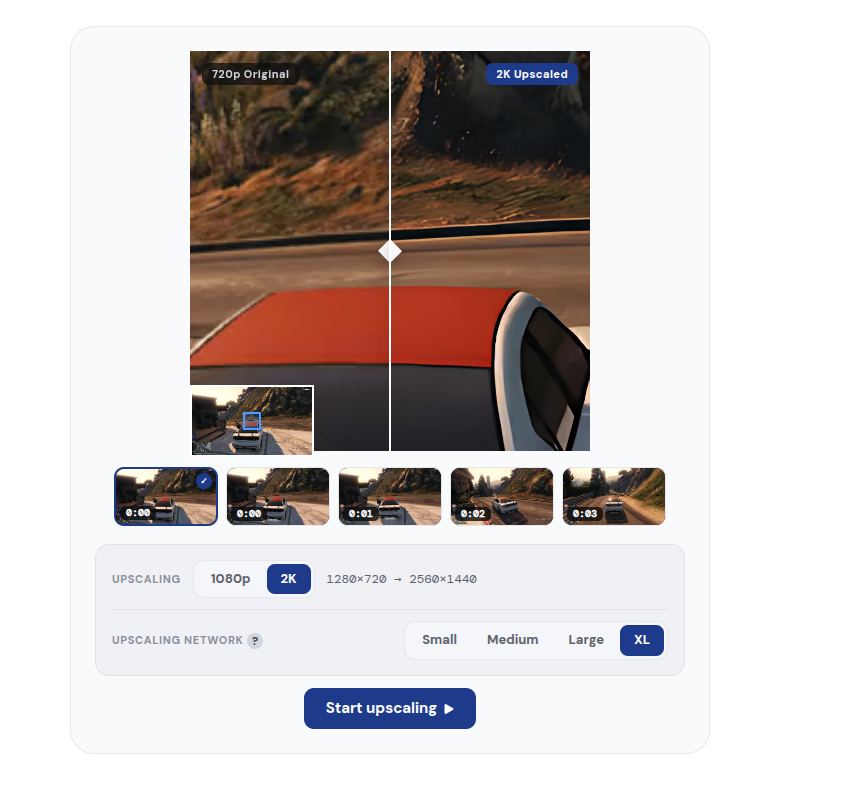
Expect changes in the next few weeks, from the font to the logo to the layout. If you don’t see any changes, or see a bunch, it’s because I’m A/B testing these changes to make sure I don’t break something (making these upscaling networks work consistently across browsers and devices is a constant uphill battle), and also to make sure that the UI is intuitive and usable for everyone.
I’m also updating the logo, so expect some font and styling changes in the future

At some point, the goal is to unify the interface for Free AI Video Upscaler (free version) and Fast AI Video Upscaler (paid version) to emphasize what the difference actually is, which may not be intuitive to most people.
Almost every SaaS tool out there would have some limits on their free tools with prompts forcing you to upgrade to a paid version (likely with some subscription attached).
Free AI Video Upscaler, by contrast, is very different - there’s absolutely no limits on file size, resolution or whatever, you can upscale 10 hours of HD content to 4K for free, no sign ups, no questions asked, the reason it’s free is that the processing happens locally on your computer.
Fast AI Video Upscaler, by contrast, runs some of the same models (and some more powerful models) on the cloud, on a GPU, so for most people, it’s much faster. It’s not like I’m gating “better models” for the paid version, you can try your hand at server-grade models on the free version if you have a discrete NVIDIA/AMD graphics card or an apple M-series chip, but it’s just very slow to run server-grade AI models on a consumer laptop.
This service is as free as it’s physically possible to be, but some people would prefer to get faster cloud processing, so I’ll be working on making it more explicit that it’s no just a “free/pro” thing that most SaaS tools would throw at you, rather it’s “Cloud/Local” though because that’s hard to explain, I’ll probably need to think carefully and do some A/B testing around the langue to communicate what the free and paid versions are actually doing and why they are different.
If anything looks broken or worse than before, tell me — half of these changes exist because people did.