ProRes input, MOV files, and your choice of codec and format

TLDR: You can now upscale pro-res video, and power-users can now choose their output codec and file-format.
Prores and MediaBunny
This tool uses a technology called WebCodecs to process video for free in your browser, without needing to download, install or configure anything (see more info on Google’s blog post post this tool).
While that is super convenient for most users, it means that the tool is mostly limited to the kinds of video codecs that browsers support (you can see full details on what codecs are supported in what browsers on WebCodecsFundamentals, another one of my projects).
Prores is explicitly not part of the WebCodecs standard, and no browsers can decode prores files natively, so for the longest time free.upscaler.video didn’t allow upscaling Pro-res files simply because it wasn’t possible to decode Pro-res files in the browser.

In comes Mediabunny, an open source library, a media processing library for the browser, with wraps and extends the WebCodecs API to enable reading and writing from containers, and more recently, software decoders and encoders to replace what the WebCodecs API itself lacks.
A few months ago, Mediabunny released a WASM based pro-res decoder, and I finally got around to integrating it into free.upscaler.video. Now you can upscale pro-res video!
Advanced controls
While I built this primarily for a very un-technical audience, to be as simple and straightforward as possible, it’s become clear from users putting feedback on Github that many users are in fact video editors who know a thing or two about codecs and containers.
So while for most people, hopefully the default selections are good enough, for those who want specific control over their codec (e.g. h264, h265, av1) or the file format (e.g. .mov, .mkv), you can now select those in the advanced panel.
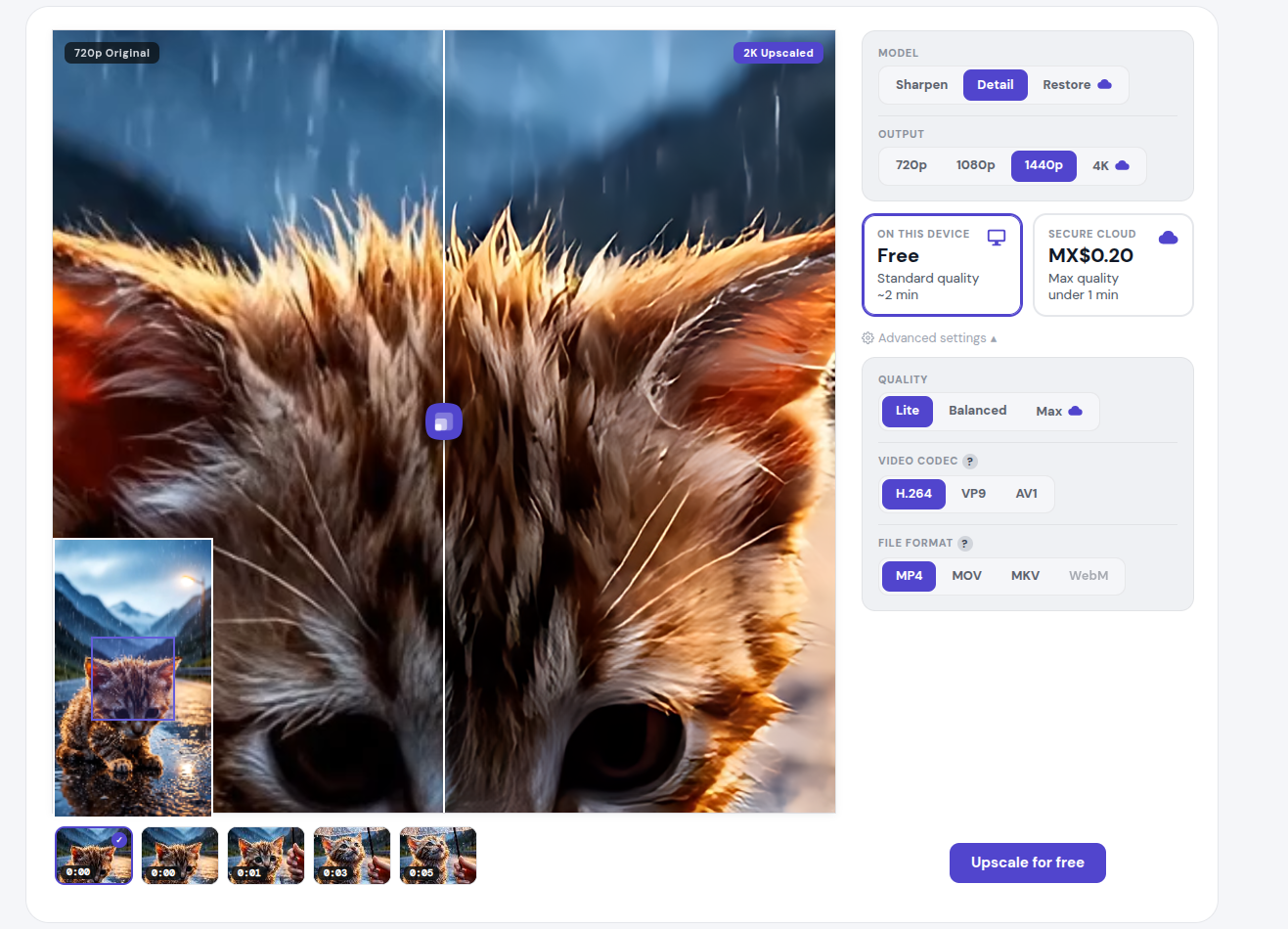
Keep in mind that some options may not be available for every video, primarily because (1) some codecs aren’t supported on all browsers or devices, (2) some file formats won’t work with specific codecs. If your video has aac audio for example, you won’t be able to select a webm output.
What about 10-bit / HDR?
I’ve been looking into 10 bit / HDR video processing, and as of now it’s not available in free.upscaler.video for lack of browser support (though HDR video is natively handled in the paid version). I want to be as clear as possible, it’s not because I’m trying to “gate the feature” or whatever. If you think I’m purposely holding back features, here, take the source code, throw any AI agent you want at it, and see if you can get 10 bit video processing to work.
Some browsers can decode 10 bit video, and some browsers can process 10 bit video in the canvas. The challenge is 10 bit video encode, which is possible but in the least helpful way
- The one codec with fairly universal 10 bit encoding support across devices is VP9, and even then only on Chrome/Edge
- Safari and Chrome say they can encode 10 bit h265 video, but actually testing them, they output 8-bit videos. I can only assume these are bugs or lazy programmers
- The only actual h265 and av1 10 bit encoding I found was on ~12% of Windows devices
Again, I would know about codec support, I wrote the MDN docs for WebCodecs and I manage the dataset for codec support across browsers
So I could in theory allow 10-bit video processing, but then it’d only be for VP9 encoding on Chrome, or for about 10% of Windows desktop / Chrome users. I’m not above doing that at some point, but I think of the typical video editor on a macbook pro trying to process 10 bit hdr video from a phone, and that’s just not doable right now with existing browser support.
Maybe I’ll work on adding in some software shims/encoders/decoders to fill the gap, it’d be much slower. Alternatively, I could release a native app, but honestly it’s a lot of work and with 25,000 daily active users, I’ve still got my hands full fixing a long tail of bugs and issues that are only ever faced by like 0.1% of users on the web version.
What’s next
As always, if something looks broken, tell me.