More free tools

At this point, this free video enhancement tool gets over 25,000 users per day which to me is still hard to believe, though I guess the crux is that people like free stuff and if you ever tried to use professional software like Topaz Labs, it’s great, but designed for professional editors, not for an average user which just needs a quick upscale done.
I guess I myself underestimated the sheer quantify of people looking to upscale photos and videos, often downloaded at low quality from the internet, or even AI generated videos. I’m just a nerd who likes web technologies, and I literally built this as a hobby project to practice writing neural networks in the browser
I genuinely thought my experience with R&D, distilling models, shader kernel optimization etc… would lead me to building some kind of b2b company, and not free consumer apps, but as someone who does work with a lot of video now though, I do kind of get the appeal of simple, no nonsense tools that just do thing you need, without forcing you to sign up for some suite or download some complex software.
Free tools
That’s literally why I ended up building a suite of no-nonsense, no friction free tools at https://katana.video/tools.
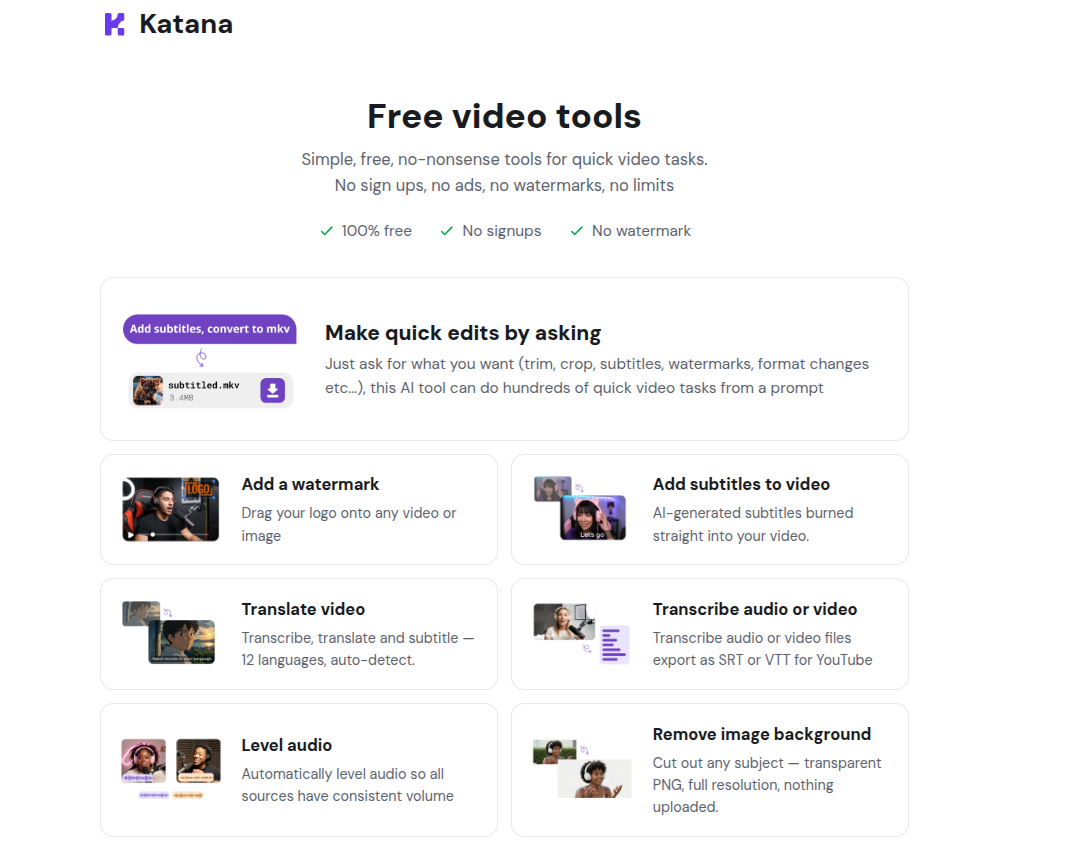
By design, everything is 100% free, works in your browser with no signups and no ads. It’s all fully open source, I wrote a generic media runtime that anyone can use to in their apps to basicaly vibe code whatever editing tool they want, with many optimized neural networks for common utilities like background removal, audio enhancement etc…
I wanted to take the time to highlight a few of the tools I think are particularly helpful.
Free Audio Enhancer
If you’re wondering why the free tools are located at https://katana.video/tools, and what Katana is, Katana is the erstwhile startup I’m nominally running. You can read more about my background and how I got started with Katana on this other blog post but suffice to say: I previously worked for a live streaming platform called Streamyard where I saw editing as one of the main challeges for our users. I built Katana as a podcast editing app.
One of the features I looked into at Streamyard, and which I ended up building in Katana was audio enhancement - removing background noise and, critically, improving the quality of poor quality microphones to make audio sound like it was recorded with a professional microphone. I looked through papers like HifiGan2, the predecessor to Adobe’s podcast enhance (which is now paid, $20/mo), as well as open source pre-trained models like VoiceFixer.
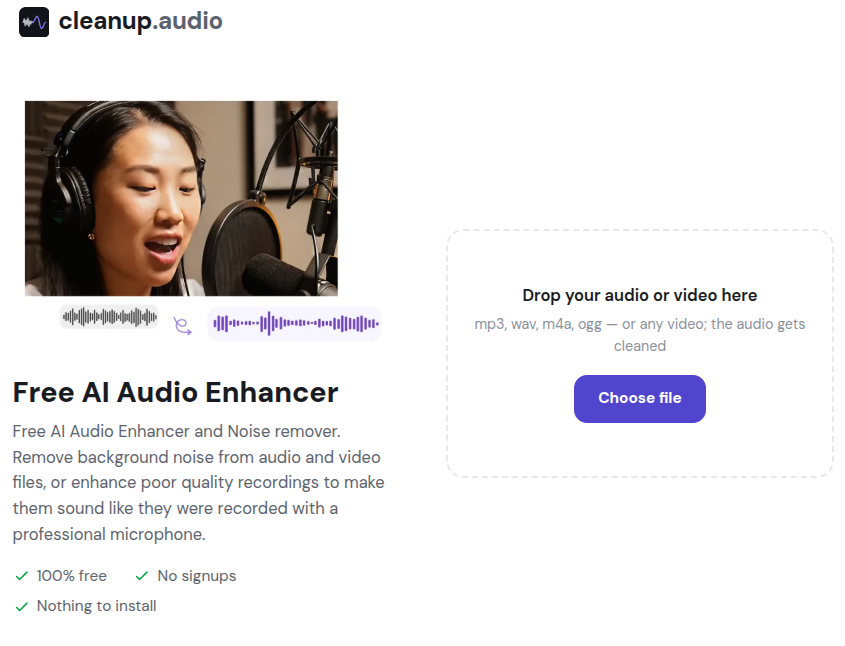
I ended up building a free, open source voice enhancer called cleanup.audio (as an alternative to Adobe Podcast Enhance or Descript’s studio sound feature) by distilling voice-fixer and optimizing webgpu kernels for browser inference (source code).
There is certainly a quality gap with Adobe’s model, I know some of the folks who work at Adobe Audio and I’ve read the papers, I know it’s good, but for amateurs just getting started, or for quick one-offs, $20/mo is a lot to pay, and if everything can be done on your device for free, why charge for it?
Free Background Remover
Another popular tool used by many people (including myself) is remove.bg. You may not know, though that remove.bg was acquired by Canva a few years ago, and the tool is being retired. The same functionality will be available within Canva’s suite, but requires a Canva account and has strict limits.
On that same note, I released katana.video/remove-background, which I aimed to basically replace remove.bg, but without the resolution limits.
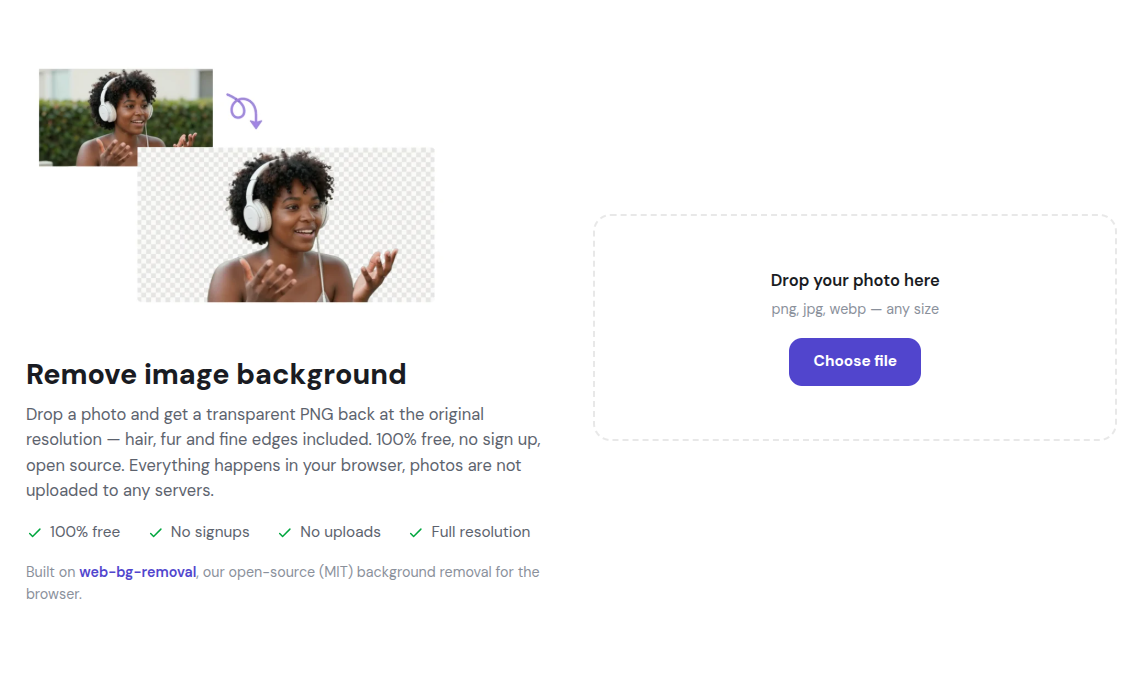
Here I also took a leading open source model (Birefnet) and implemened it in the browser with webgpu-optimized kernels (runs ~3x faster than via onnx), and released it as an open source library that any developer or user could use.
Katana Omni
The one I thought was most interesting was the Omni tool which allows you to ask for edits by just asking questions, like “Can you convert this video to grayscale, add this watermark, and export as mkv”
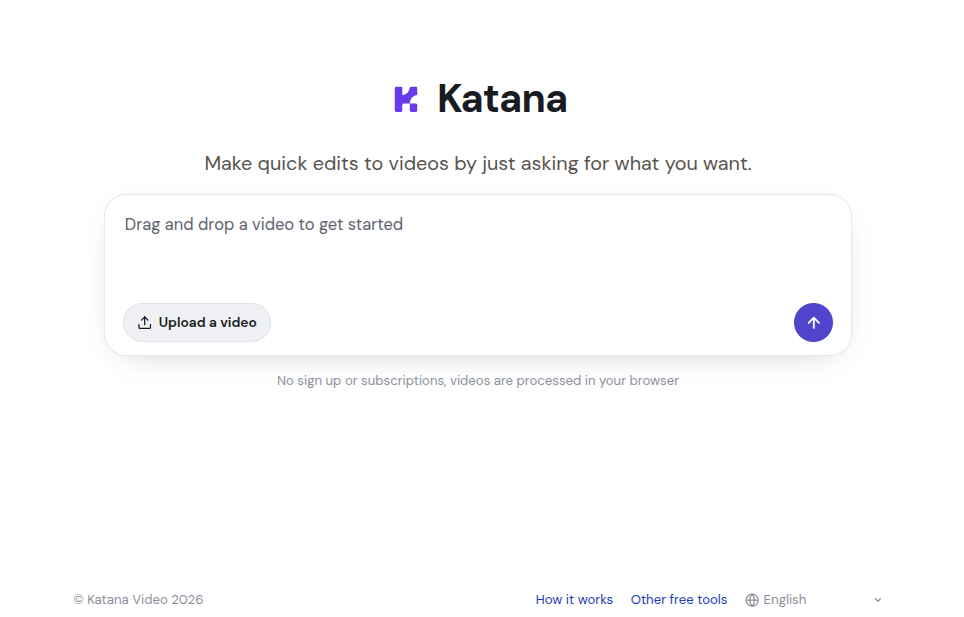
I built it to handle the long tail of random video requirements, for which I previously used to use an AI assistant like claude + ffmpeg, but instead it’s implemented entirely in the browser, with a custom media engine I built off of webcodecs, MediaBunny and WebGPU, along with the new browser prompt API.
Maybe it doesn’t sound exciting, but the other day I was recording my screen, and the recording was interrupted because my drive ran out of space. I freed space, restarted the recording, but the 2nd recording had a different resolution. I was able to use my own omni tool to resize and concatenate the videos with a simple prompt, without installing any software, signing up for anything - it literally just solved the problem I needed, and I’m hoping it becomes a better solution for people looking for very specific random workflows, where if someone asks on a forum “how to concatenate two videos and export to mkv”, I can just respond with a single url https://katana.video/omni?q=“concatenate+two+videos+export+to+mkv”&inputs=[video:2], which becomes a single purpose tool for doing exactly what the user asked for, no signup or fee, 100% free and open source.
I don’t know, maybe as an engineer I’m just excited, but as far as dogfooding your own tool, like man I’ve been genuinely using my own tools - it’s just a better solution than Adobe/Canva/Veed/whatever, free, frictionless, and open source. Hopefully you find some of these tools helpful too.
If you have any ideas for tools you’d like to see, don’t hesitate to let me know at sam@katana.video, or open up a request on github.
-Sam
If you're looking for better quality upscaling, consider Fast AI Video Upscaler