How to restore old, grainy videos for free, in your browser

Old footage has a way of looking worse every year. A clip that seemed fine on a 2010 phone or an old camcorder now plays back soft, grainy and small on a 4K screen. The footage didn’t get worse, the screens around it got better.
You can clean a lot of that up. This walkthrough takes a couple of minutes, runs entirely on your own machine, and doesn’t upload your videos anywhere, which matters when the footage is personal.
Restore an old video in four steps
1. Open the tool. Open the free old-video restorer (link at the end of this post) and click Choose a video. No account, no upload.
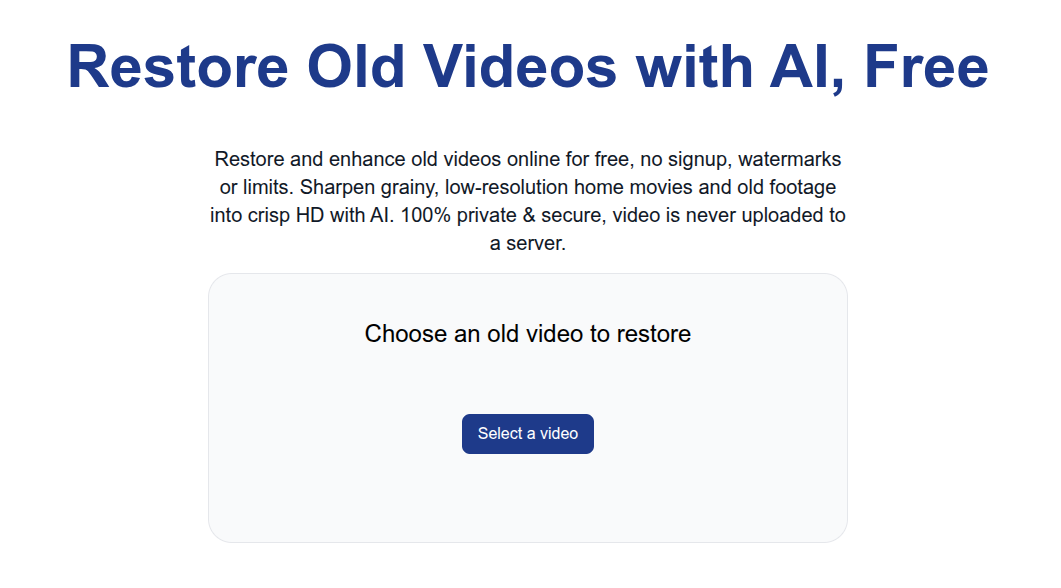
2. Pick your clip. Select the old video off your disk. It loads locally, so even a long home movie opens right away.
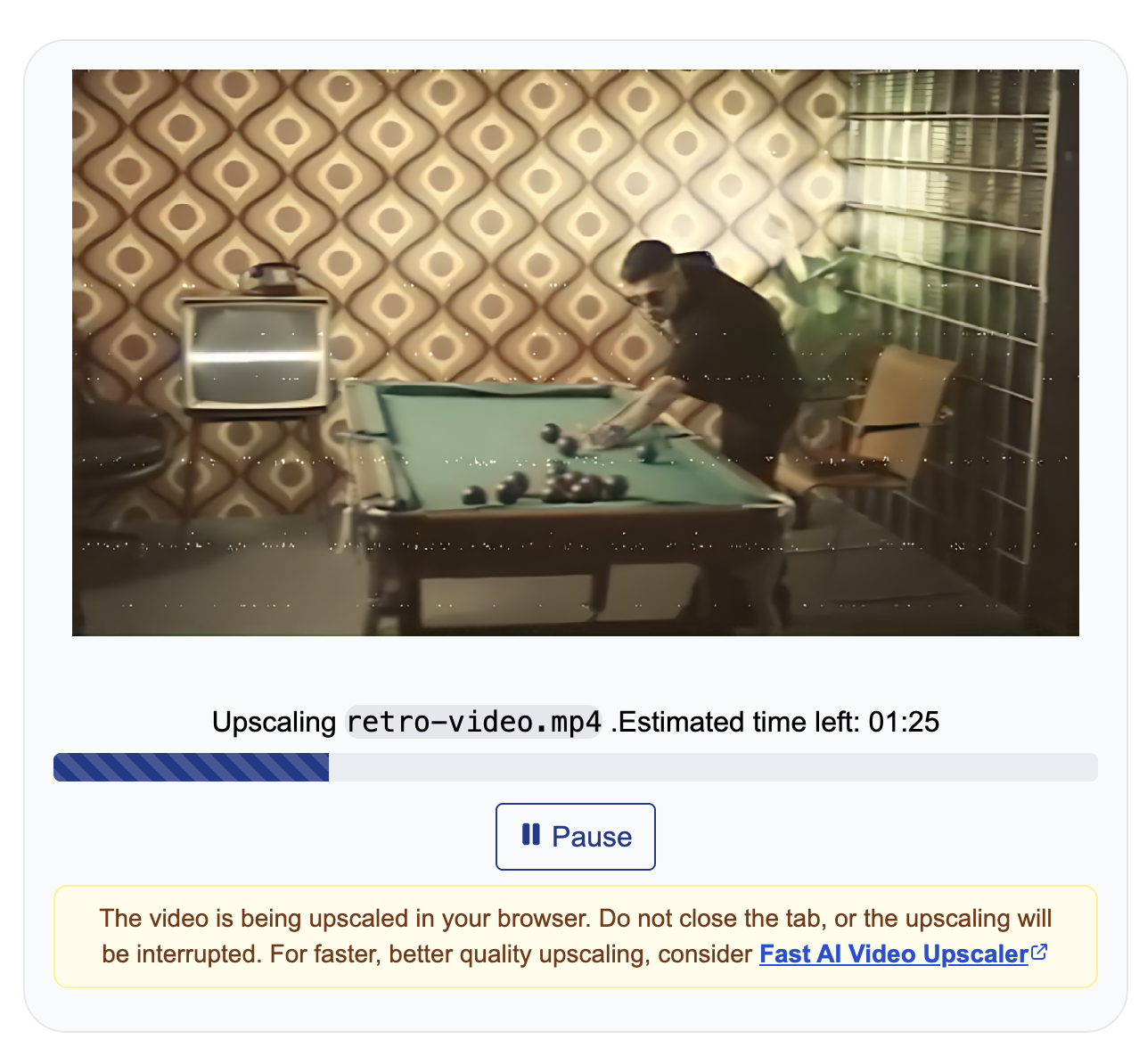
3. Let it run. The AI model sharpens each frame and pulls detail back out of the softness. There’s a model trained specifically on older real-life footage, so it handles grain and low resolution better than a generic sharpen filter. A short clip finishes in seconds; a long one runs while you do something else.
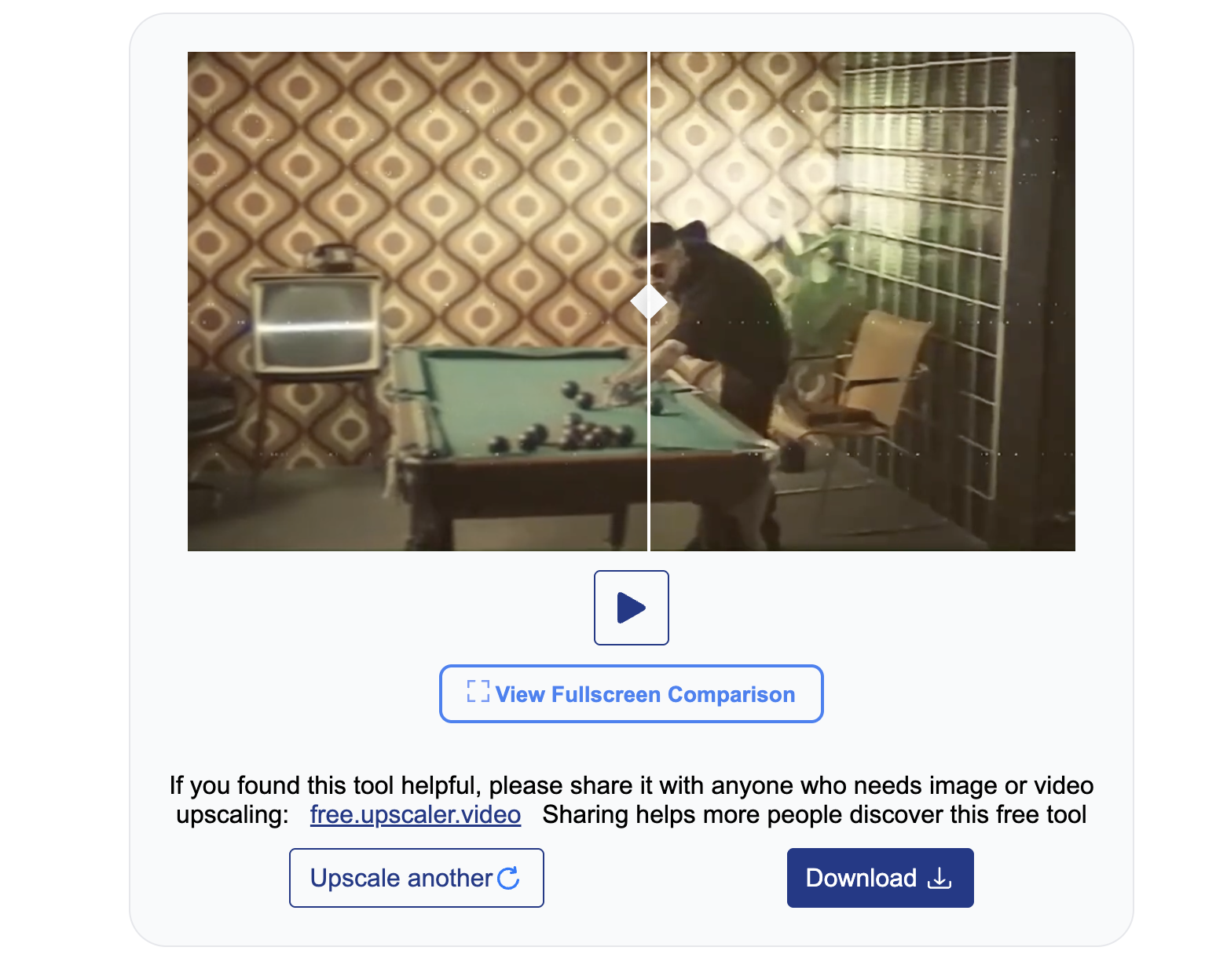
4. Compare and download. Drag the slider to see the old version against the restored one, then download the result.
What restoration can and can’t do
This sharpens and cleans what’s already in the frame, it doesn’t repaint the footage. If a face was a soft blur of a few pixels, you’ll get a cleaner version of that blur, not a sudden high-definition face. Where it helps most is footage that’s genuinely there but low-resolution or grainy: old home movies, camcorder tapes you’ve digitized, early phone videos. Heavy compression blocks and shaky exposure are harder, so start from the best copy you have rather than a re-shared, re-compressed one.
If your clip isn’t old so much as just soft or low-resolution, the general-purpose video enhancer is the same tool pointed at that instead.