How to enhance photo quality online for free, no signup

We’ve all got photos that are a little too small or a little too soft. A picture saved off a chat years ago, a screenshot, an old scan, a shot that looked fine on a phone but falls apart the moment you print it or put it on a big screen. The detail is mostly there, the resolution just isn’t.
An AI photo enhancer fixes a good amount of that. This one runs entirely in your browser, so the photo never leaves your computer, and it’s free with no signup.
Enhance a photo in four steps
1. Open the tool. Open the free AI photo enhancer and click Select a photo. No account, no upload.
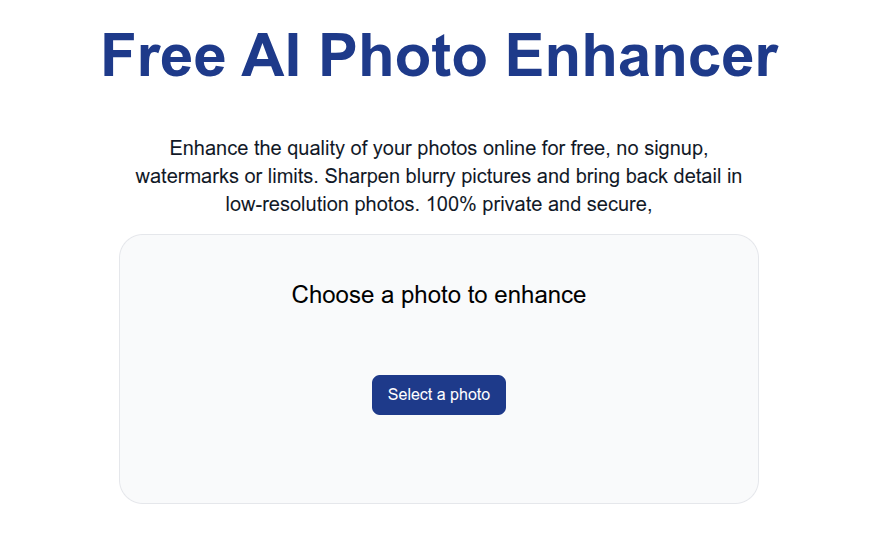
2. Pick your photo. Select a JPG or PNG off your disk. It loads locally and stays on your machine.
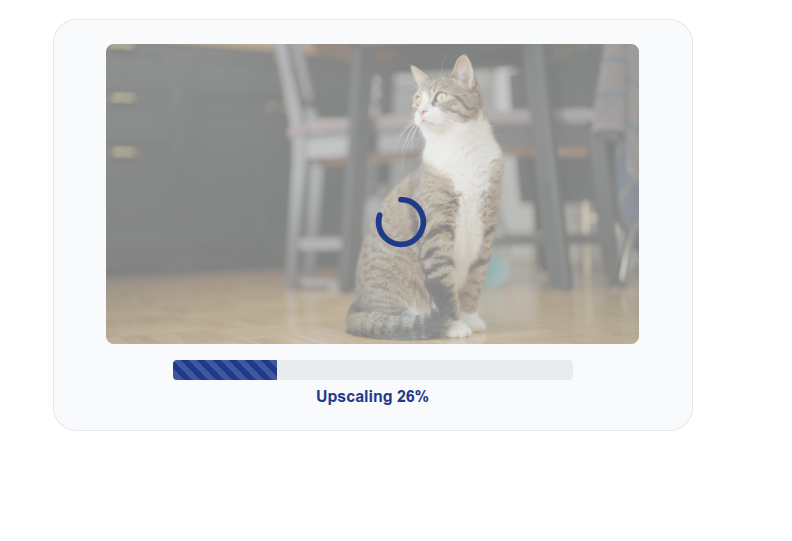
3. Let it run. The AI model increases the resolution and sharpens detail. There’s a model trained on real, phone-captured photos, so it does better on everyday pictures than a plain resize. A single photo finishes in a few seconds.
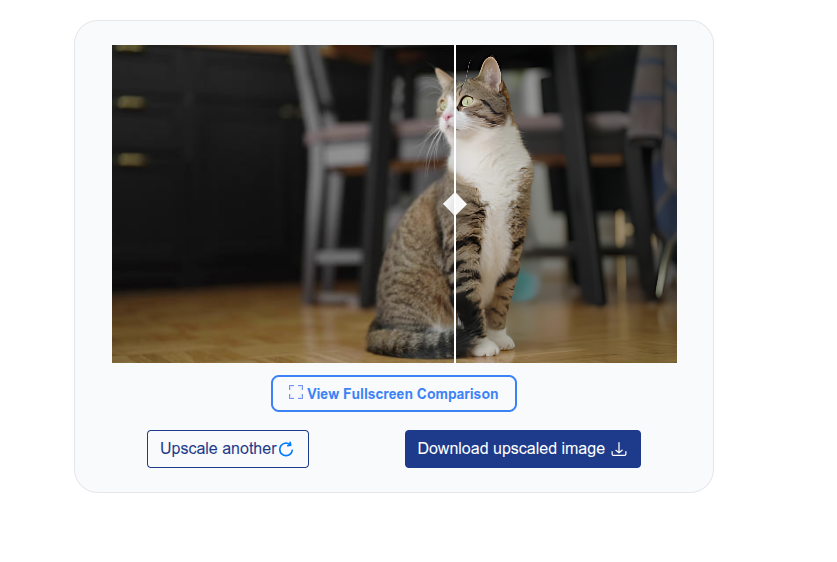
4. Compare and download. Drag the slider to see the original against the enhanced version, then download the result.
What it can and can’t do
Enhancing a photo sharpens and upsizes what’s already there, it doesn’t invent a picture that was never taken. A genuinely out-of-focus or motion-blurred shot stays blurry, because there’s no real detail to recover. Where it works well is photos that are simply low-resolution or a bit soft: the subject is there, it just needs more pixels and a cleaner edge. Start from the original file rather than a re-saved, re-compressed copy.
Free AI Photo Enhancer does use state of the art, open source models, but does not include other artistic effects like color grading or object removal. Free AI Photo Enhancer is primarily for quick, no-nonsense improvement of photo quality for casual users, and is not a comprehensive photo editing suite.
If you’re working with AI art or other non-photo images rather than real photos, the same engine is framed for that as the image upscaler.